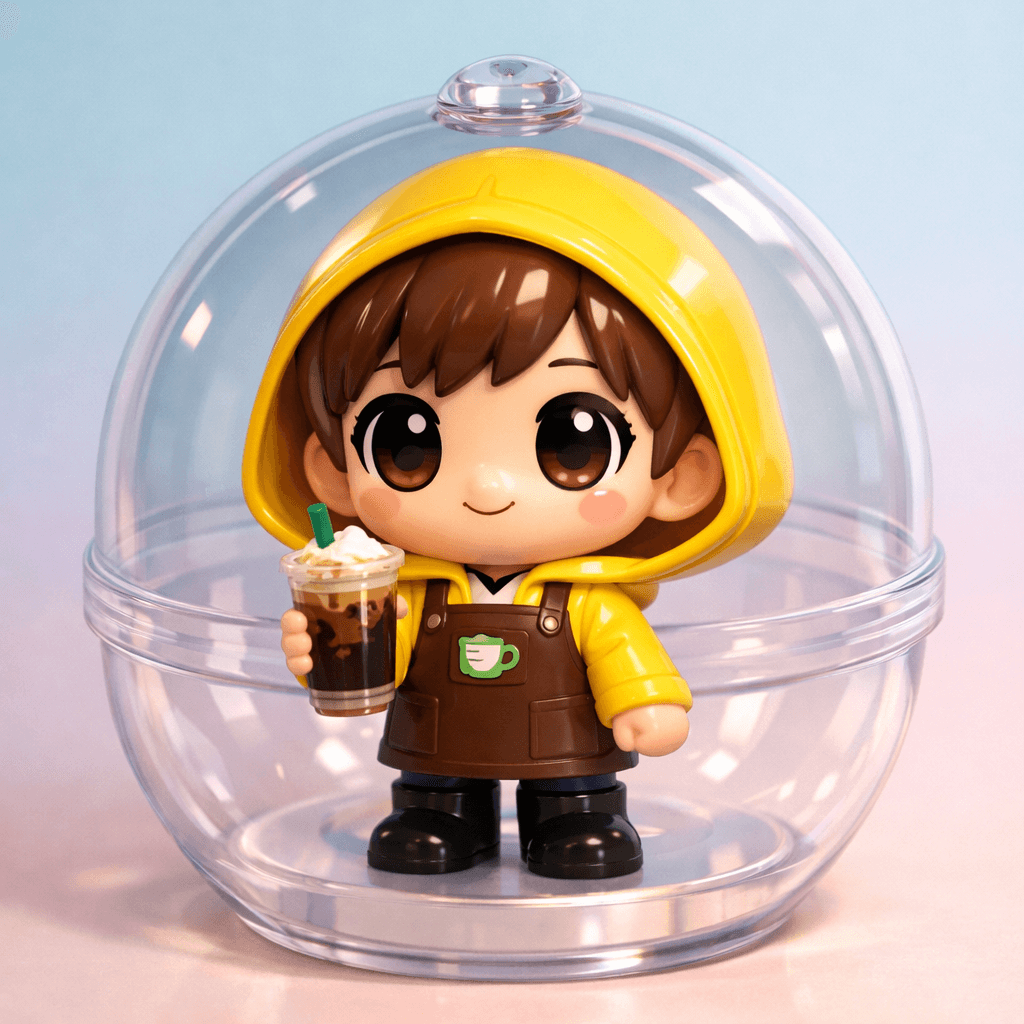
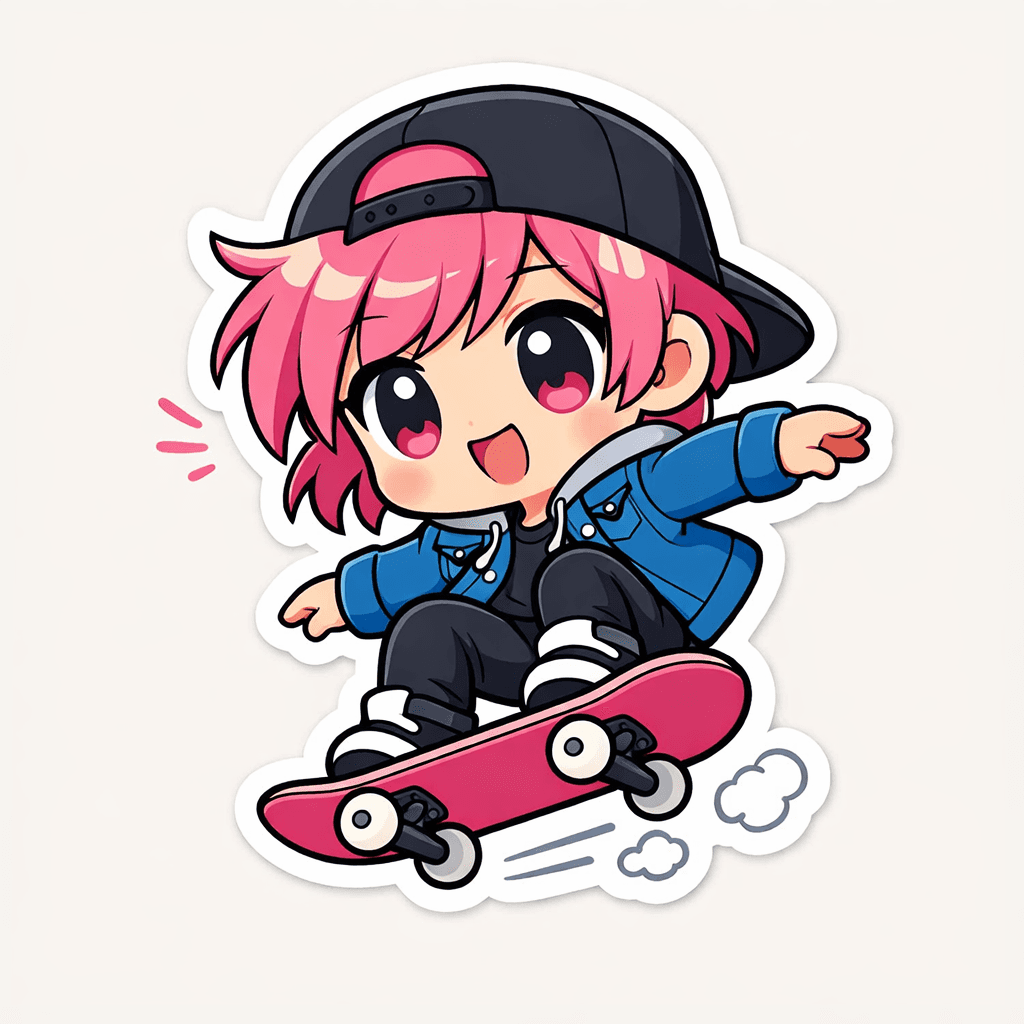
One page, from photo to download.
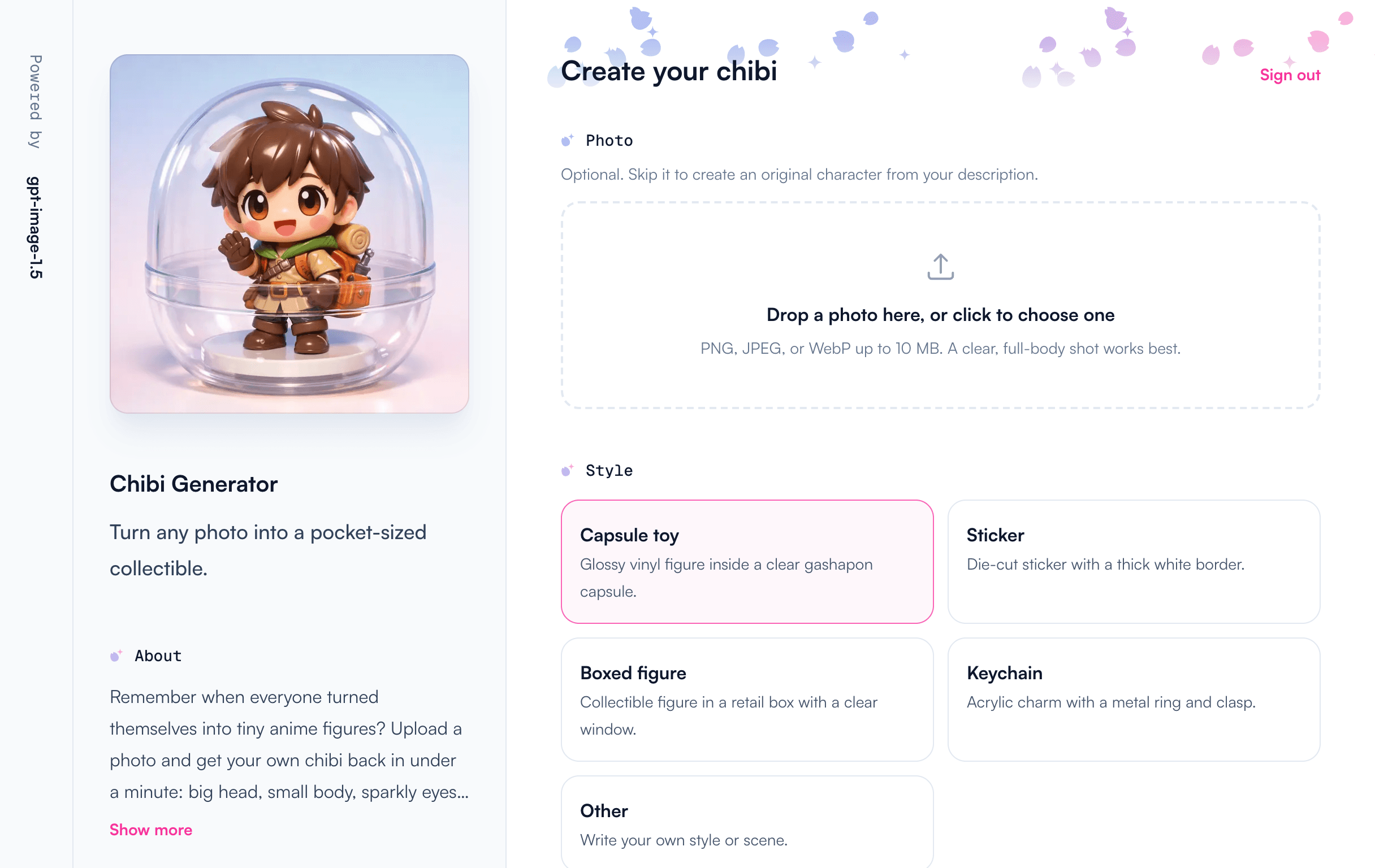
Styles
Five ways to look adorable.
Every result is a 1024 × 1024 image for you to download, not a physical toy. These examples use the same prompts as the app.
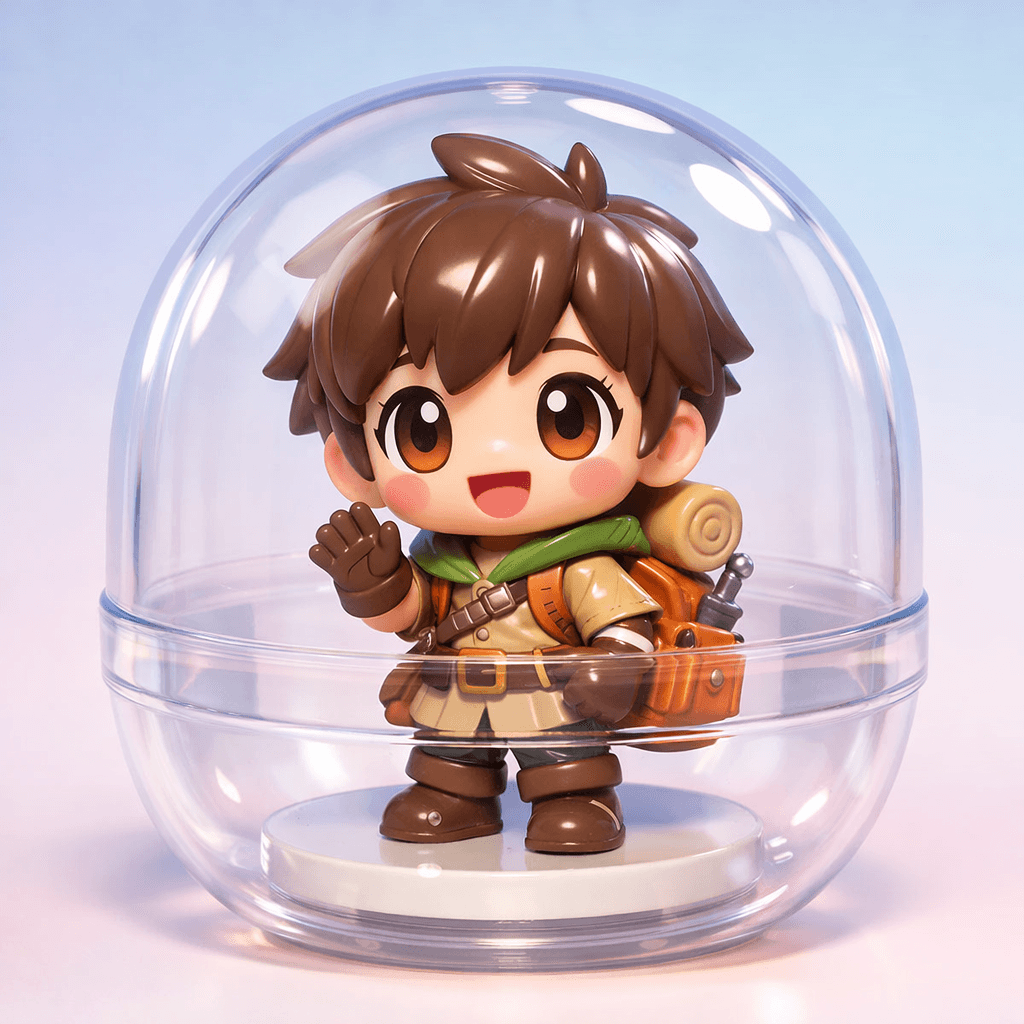
Capsule toy
Tiny figure, clear capsule
Glossy vinyl figure inside a clear gashapon capsule.
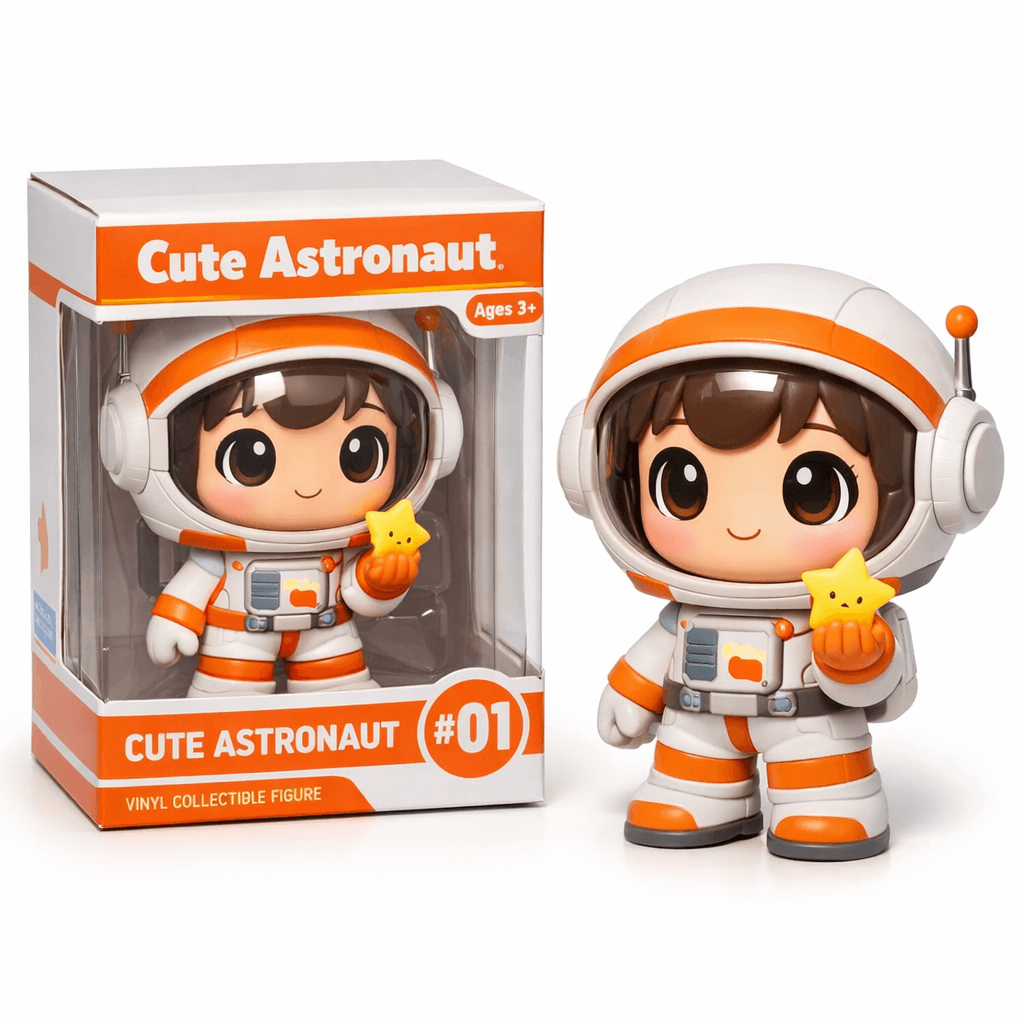
Boxed figure
Straight off the shelf
Collectible figure in a retail box with a clear window.
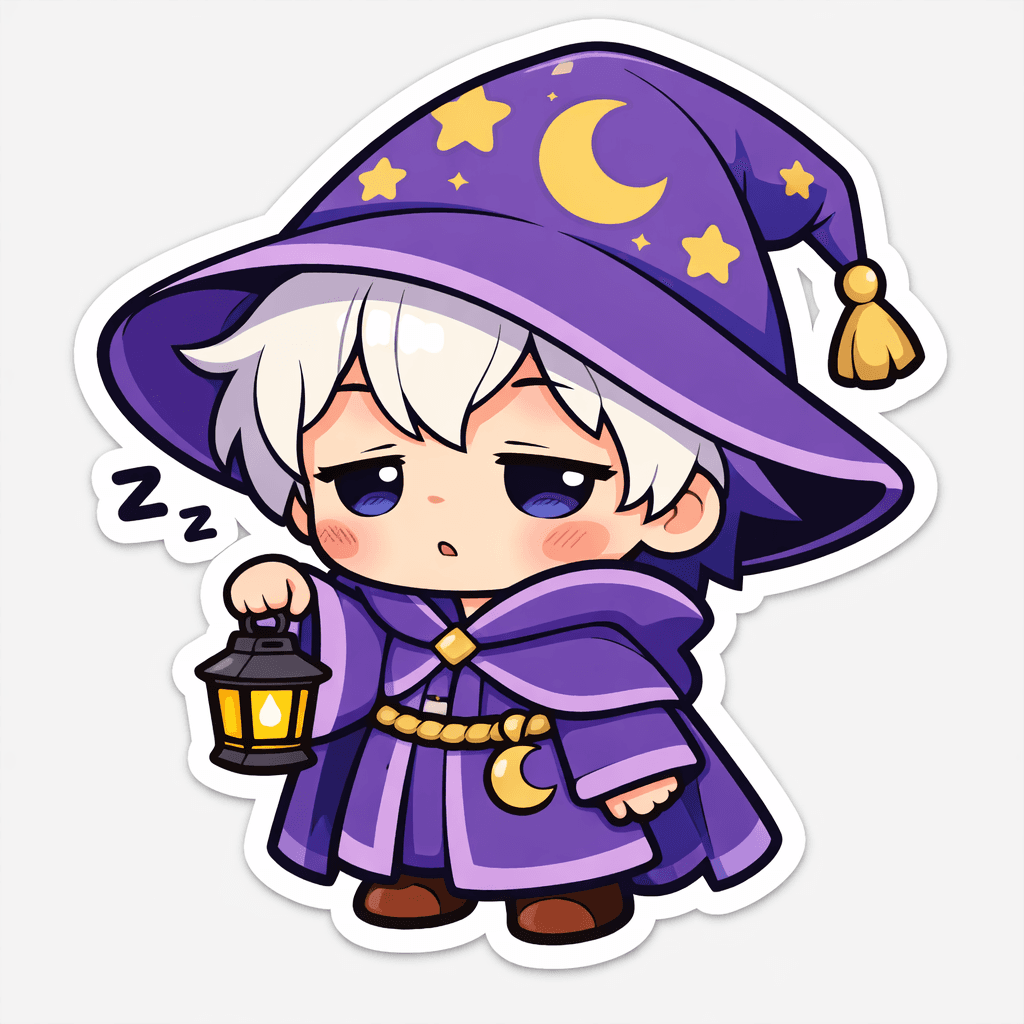
Sticker
Thick white border
Die-cut sticker with flat, bright colors and clean outlines.
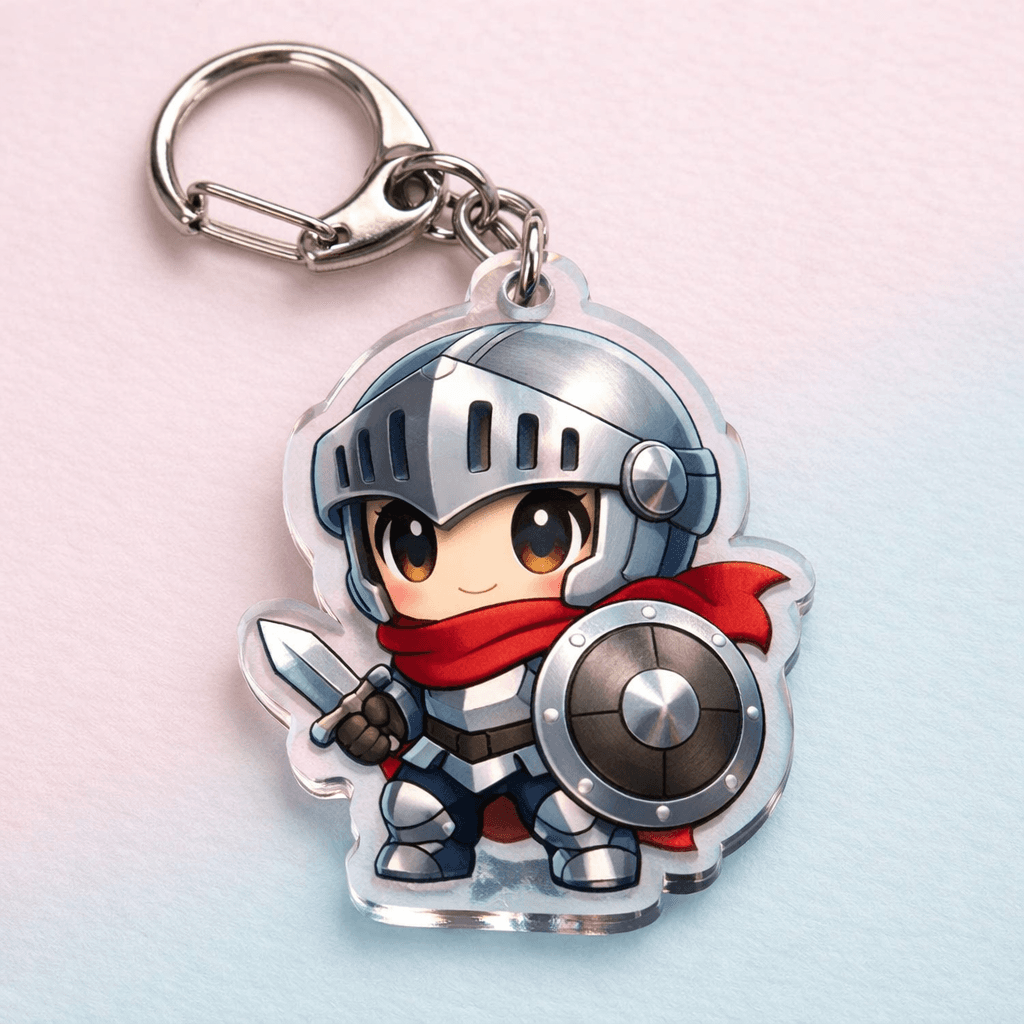
Keychain
Ring and clasp included
Acrylic charm with a metal ring and clasp.
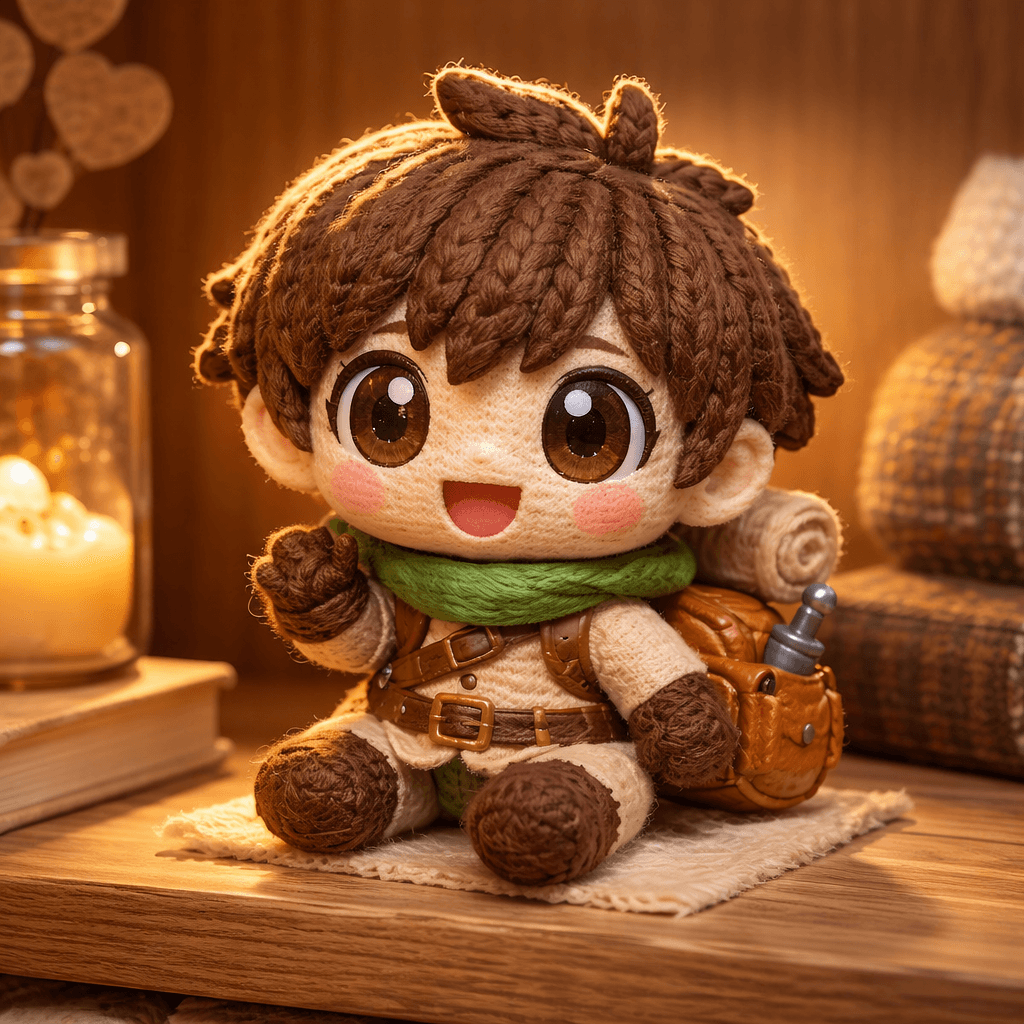
Other
Or write your own
Describe a material, scene, or art style, like a knitted plush doll on a wooden shelf.
How it works
Three steps, about a minute.
Step 1
Upload a photo, or describe a character
Use a photo up to 10 MB. Or skip it and describe who they are, what they wear, and what they hold.
Step 2
Pick a style
Choose one of the presets, or describe your own.
Step 3
Generate
Choose a quality and wait. It usually takes 30 to 60 seconds.
Your images
Download the ones you like
Photos go to OpenAI to make your image, and this app doesn't store them. Your chibis stay in your browser tab, so save your favorites before you close it.